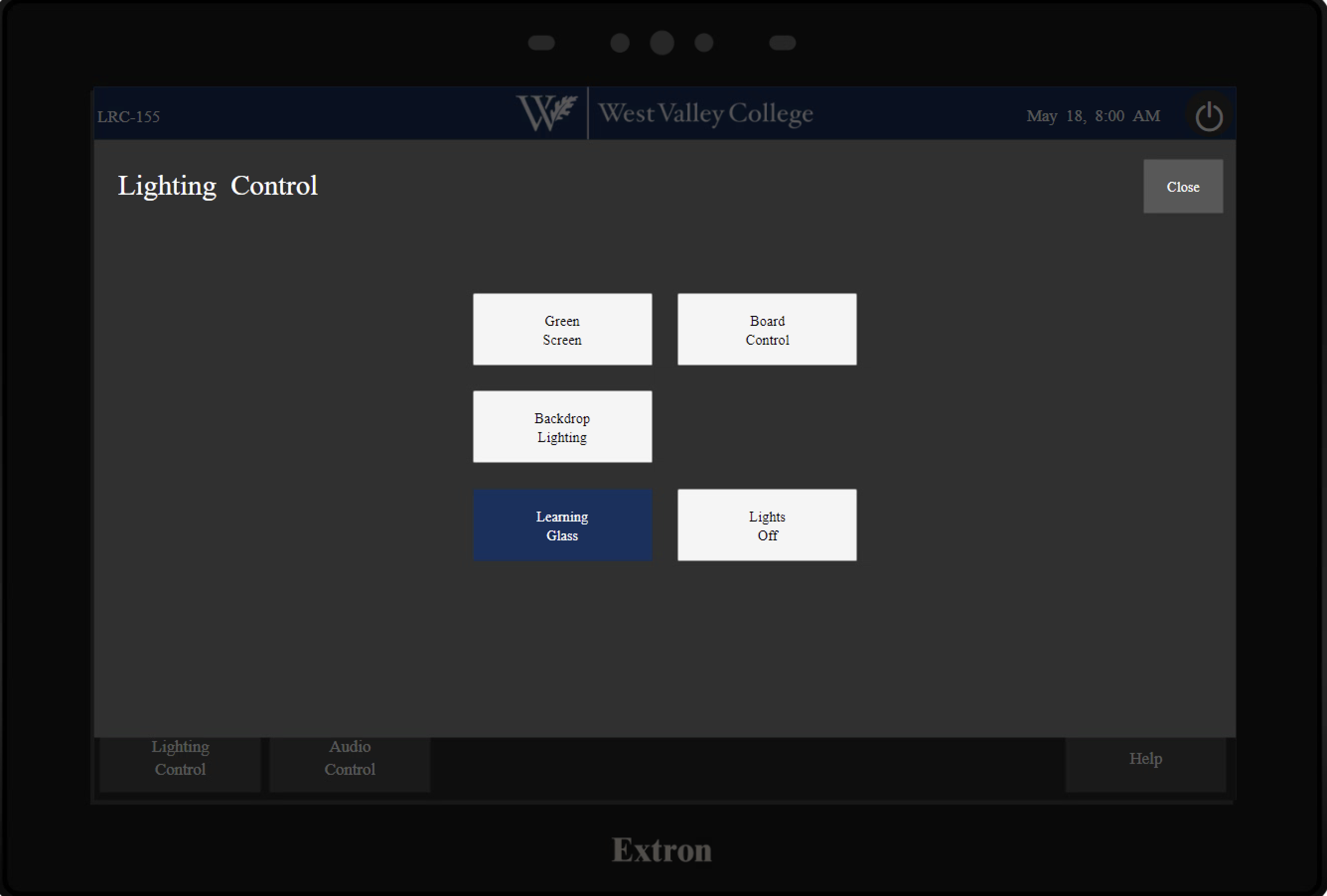
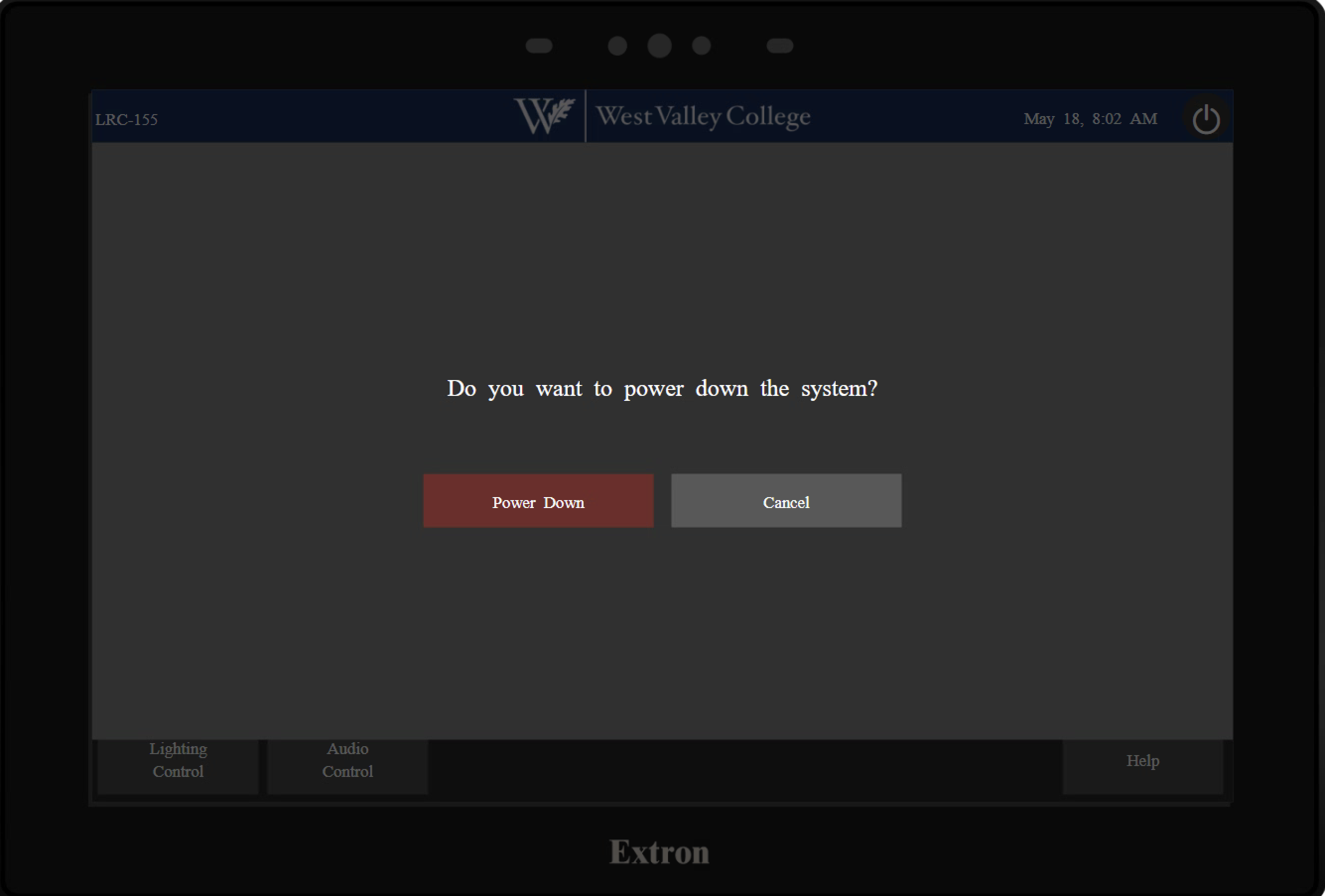
Welcome to the LRC-155 recording studio at West Valley College. This room supports three recording setups — Learning Glass, Green Screen, and Backdrop Podium — all controlled from the touch panel near the entrance. This guide walks you through starting the system, choosing a mode, recording, and shutting down.

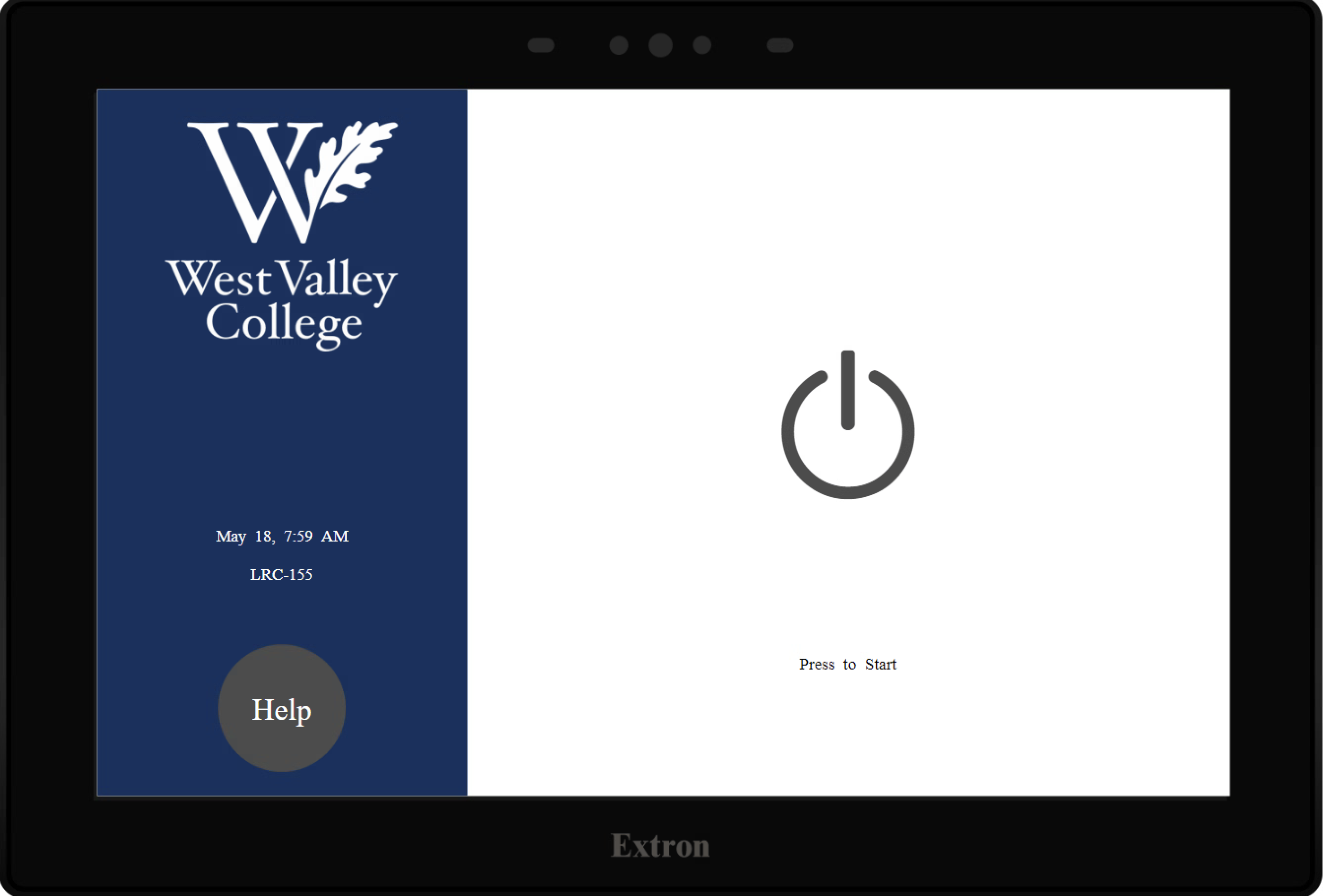
Select a Mode

I want to Do This
Record at the Learning Glass Power on → system starts in Learning Glass → use the tabletop keypad (RECORD / Stop / Cam Height)
Record with a virtual background Select Green Screen mode → Advanced Options → Backdrop → pick a background → Record
Record myself with my slides Green Screen mode → choose In Slide or Side Slide format
Record with a black background Select Backdrop Podium → pull the black curtain across the green screen → Record
Record a group (up to ~4 people) Select Backdrop Podium → Shot Type Wide → Record
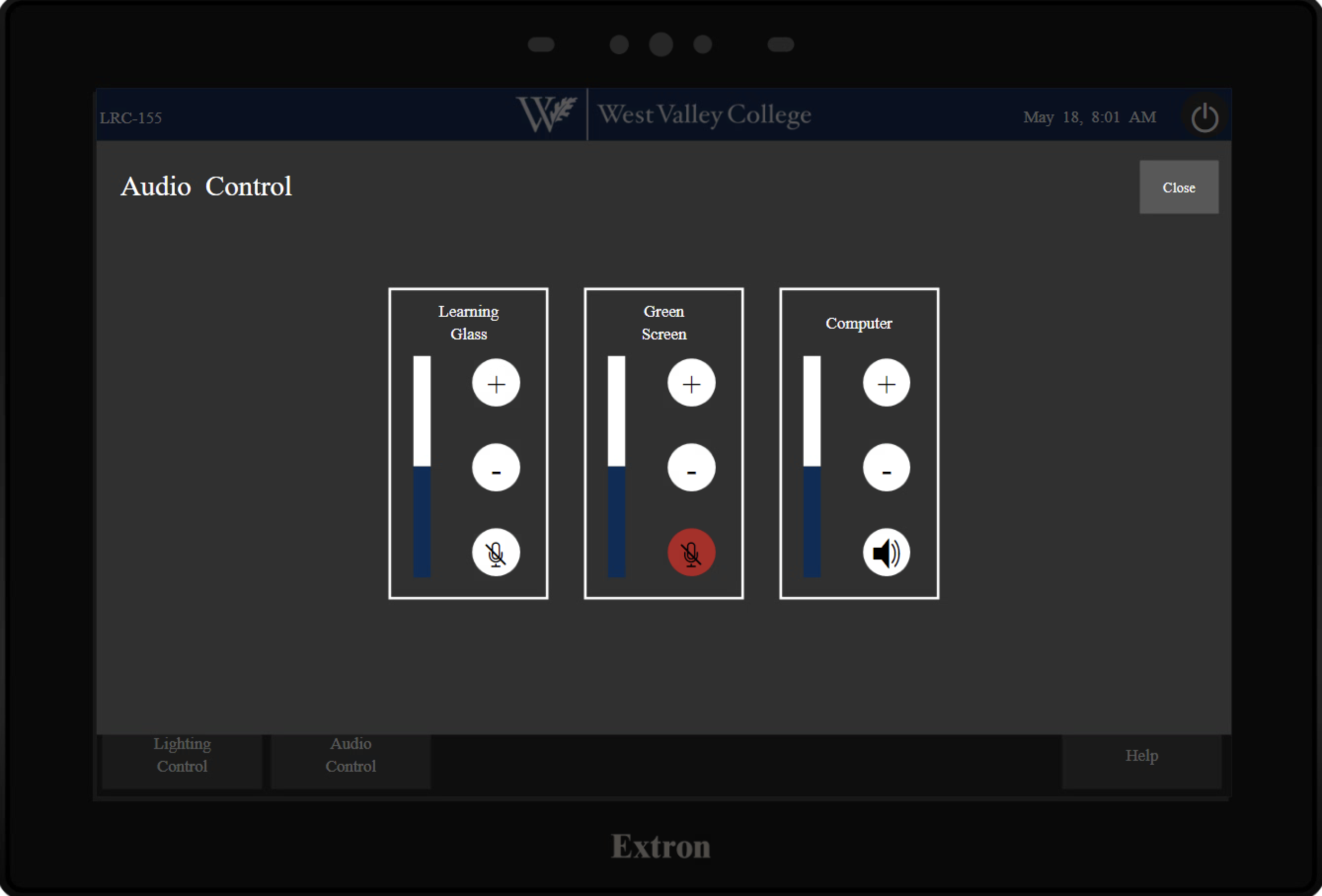
Fix audio that's too quiet / muted Audio Control → raise level with + / tap the red mute icon to unmute
Get assistance Tap Help → servicedesk.wvm.edu or 408-741-2032